
Wi-Fi & Network Installation Flagstone — Home & Business
Looking for professional Wi-Fi installation Flagstone homeowners and small businesses can rely on? My Geeks Australia installs and configures mesh Wi-Fi, NBN routers, wireless access points, ethernet switches and complete home and office networks. We help fix weak Wi-Fi signals, internet dropouts and unreliable connections, and plan practical wired and wireless networking solutions for new homes, home offices, shops and growing businesses across Flagstone and nearby suburbs.
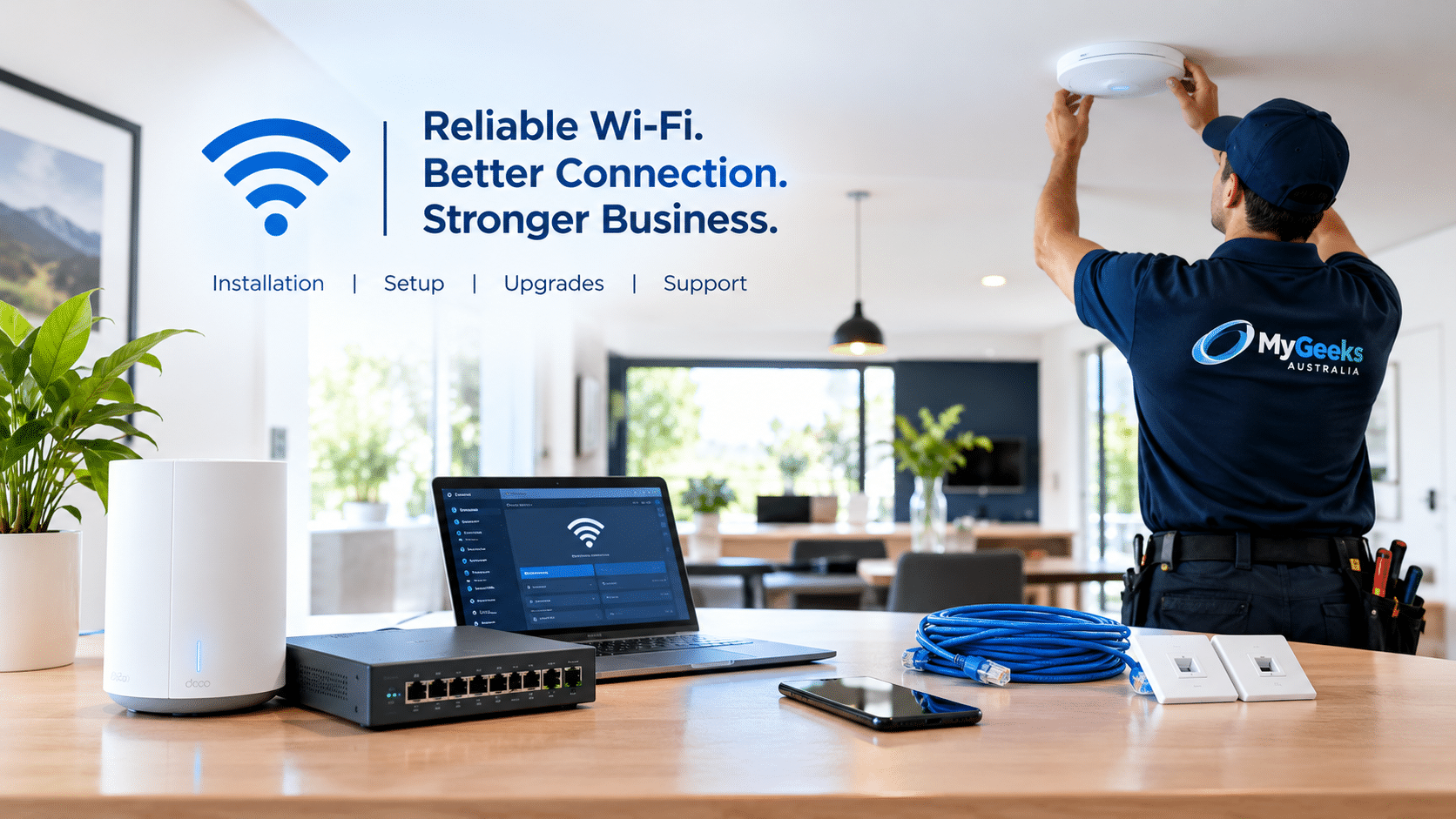
Wi-Fi Installation Flagstone: Routers, Cabling, Switches & More
From a single home router to a multi-room office network, we help design, install, configure and troubleshoot the technology that keeps you connected.
Mesh Wi-Fi & Whole-Home Coverage
Mesh systems, wireless dead zones, router positioning, coverage testing and reliable Wi-Fi throughout larger homes.
NBN Internet & Router Setup
NBN-ready router installation, Wi-Fi configuration, ISP changeovers, slow internet diagnosis and connection troubleshooting.
Small Business & Office Networks
Business routers, office LAN design, staff and guest Wi-Fi, VLANs, secure network segmentation and printer connectivity.
Ethernet Switches & PoE
Unmanaged and managed switches, Power over Ethernet, port configuration, uplink troubleshooting and network expansion.
Wireless Access Points
Indoor access points, multi-AP coverage, roaming, PoE connectivity and secure wireless networks for homes and offices.
Cat6 Ethernet Cabling & Outlets
Structured cabling planning, network wall outlets, patch panels, cable testing and tidy cabinet setups. Regulated cabling is performed by appropriately registered cablers.
Routers, Firewalls & Guest Networks
Router security, firmware, firewall policies, guest access and practical separation of business and personal devices.
New-Build & Home Office Networking
Pre-move Wi-Fi planning, router and access-point locations, ethernet outlet planning, home office and smart-device connectivity.
Printers, POS & Connected Devices
Connect office printers, EFTPOS/POS devices, network storage and other business equipment to a stable local network.
7 Proven Wi-Fi & Network Solutions for Flagstone Properties
Every property is different. Our Wi-Fi installation Flagstone approach focuses on diagnosing the cause of unreliable connections and selecting the most practical solution.
Check Coverage Before Buying
Identify weak signal areas, interference and router placement problems before recommending replacement equipment.
Position Mesh Wi-Fi Correctly
Configure mesh nodes for dependable coverage across bedrooms, home offices and shared living spaces.
Use Wired Access Points
Where practical, connect access points over ethernet for consistent coverage in larger homes and offices.
Optimise NBN Router Settings
Review router configuration, wireless channels, firmware and connection settings to isolate local performance problems.
Connect Priority Devices by Ethernet
Consider wired connections for workstations, video conferencing, printers and other devices that need stability.
Separate Guest and Business Wi-Fi
Improve everyday network organisation with suitable guest access, passwords and segmentation where supported.
Test and Document the Setup
Check device connectivity, explain the network layout and highlight any issues needing ISP or cabling follow-up.
For tailored Wi-Fi installation Flagstone advice, contact My Geeks Australia with your property layout and current connection issues.
Professional Wi-Fi Installation in Flagstone
Good Wi-Fi is more than a fast internet plan. Your building layout, router location, wall materials, connected devices and network configuration all affect the experience. Our Wi-Fi installation Flagstone service starts by understanding where you need reliable coverage: bedrooms, outdoor entertaining areas, home offices, meeting rooms, retail counters or workshop spaces.
For Wi-Fi installation Flagstone enquiries, we can assess the existing router, identify wireless dead zones, configure a mesh Wi-Fi system or recommend wired wireless access points where consistent coverage matters. For customers who work from home, we also help connect desktop computers, network printers, video conferencing equipment and smart-home devices.
Whether you're moving into a new property or upgrading an existing connection, our goal is a stable, secure network that's easy to use and suitable for future expansion.
Explore Local IT Support FlagstoneNBN Internet, Ethernet Cabling & Office Network Setup in Flagstone
From a single NBN router to a multi-device small-business network, My Geeks helps connect the pieces and troubleshoot problems.
NBN Internet Troubleshooting
Experiencing slow NBN internet, intermittent connectivity or dropouts? We check router settings, local cabling, Wi-Fi coverage and connected devices to help isolate the issue. Where a fault is upstream, your internet provider may need to investigate.
Ethernet Cabling & Data Points
Wired connections can improve reliability for home offices, desktop PCs, TVs, security equipment and business devices. We assist with Cat6 network planning, ethernet outlet placement, patch panels and coordinating appropriately registered cablers for regulated work.
Small Office Network Installation
We help small businesses in Flagstone configure business routers, managed or unmanaged ethernet switches, wireless access points, staff and guest networks, printer connections and practical network security settings.
Our Home & Business Network Installation Process
For Wi-Fi installation in Flagstone, we first discuss your internet service, number of users, building layout and the problems you want to solve. We then recommend an approach that suits the property and budget rather than assuming you need more hardware.
Depending on the job, installation may involve configuring an NBN-compatible router, deploying mesh Wi-Fi, mounting access points, connecting ethernet switches, establishing guest Wi-Fi and testing wired and wireless devices. Cabling that falls under Australian telecommunications rules is carried out by appropriately registered cablers.
After setup, we can explain your network layout, show you how to connect devices and identify any issues that need attention from your internet provider.
Office Networking in Flagstone for Small Businesses
Our Wi-Fi installation Flagstone service also supports local offices, retail shops, cafés, home-based businesses and small warehouses that need dependable internet and a network that can grow with them. We help with practical, right-sized office networking in Flagstone.
- Business routers and internet failover planning
- Managed switches, PoE and network expansion
- Separate staff, guest and business-device networks
- Wireless access points and Wi-Fi coverage planning
- Printer, POS and connected-device troubleshooting
- Network documentation and upgrade recommendations
Home Wi-Fi, Mesh Systems & New-Build Networking
Moving into a new home or struggling with weak Wi-Fi in bedrooms, garages or home offices? Our Wi-Fi installation Flagstone service can help you plan router placement, mesh nodes, wireless access points and wired connections.
- Whole-home wireless coverage and dead-zone troubleshooting
- Mesh Wi-Fi selection, setup and optimisation
- NBN-compatible router setup and internet checks
- Ethernet switch and wired device connections
- Home office, streaming and smart-device connectivity
For general computer and device issues, visit IT Support Flagstone.
Wi-Fi & Office Networking Near Flagstone
We assist residential and small-business customers in Flagstone and nearby communities, subject to availability and job requirements.
Outside these areas? Check our service areas or contact us to confirm coverage.
Related IT & Network Services
Find the right service for your home, office or business network.
Wi-Fi Installation Flagstone — FAQs
Answers to common home and office networking questions.
Do you offer Wi-Fi installation Flagstone for homes and businesses?
Yes. My Geeks provides Wi-Fi installation in Flagstone for residential properties, home offices and small businesses, including router setup, mesh Wi-Fi, wireless access points and network troubleshooting.
Do you install mesh Wi-Fi systems in Flagstone?
Yes. We help plan, configure and optimise mesh Wi-Fi systems for homes and small offices, including coverage checks and suitable device placement.
Can you set up an NBN router or troubleshoot slow internet?
Yes. We can configure compatible routers, check local Wi-Fi and network issues, and help identify when a connection fault needs to be raised with your internet service provider or NBN provider.
Can My Geeks set up an office network for a small business?
Yes. We assist with business routers, ethernet switches, wireless access points, staff and guest Wi-Fi, printers, and basic network security for small offices, shops and home-based businesses.
Do you install ethernet wall outlets and Cat6 cabling?
We can plan and coordinate Cat6 cabling, outlets, patch panels and testing. Any regulated telecommunications cabling work must be completed by an appropriately registered cabler.
Which suburbs do you service near Flagstone?
Our Wi-Fi installation Flagstone service area includes Jimboomba, South Maclean, New Beith and Greenbank, subject to technician availability and the scope of the job.
Do I need mesh Wi-Fi or wired access points?
It depends on your building layout, construction, internet plan and coverage requirements. Wired access points can be a strong option for larger properties and offices; mesh Wi-Fi can be practical where new cabling is not suitable.
Need Better Wi-Fi or a Reliable Office Network?
Speak with My Geeks Australia about mesh Wi-Fi, NBN routers, wireless access points, ethernet switches, cabling coordination or small-business networking in Flagstone.